
Find properties for a client request.
- My client request
Area, budget and property needs
- Matching properties
Relevant inventory I can access
- Review & contact
Check with the listing agent
For individual property agents in Malaysia
Keep your listings, client requests and follow-ups together, so you know what to work on next.
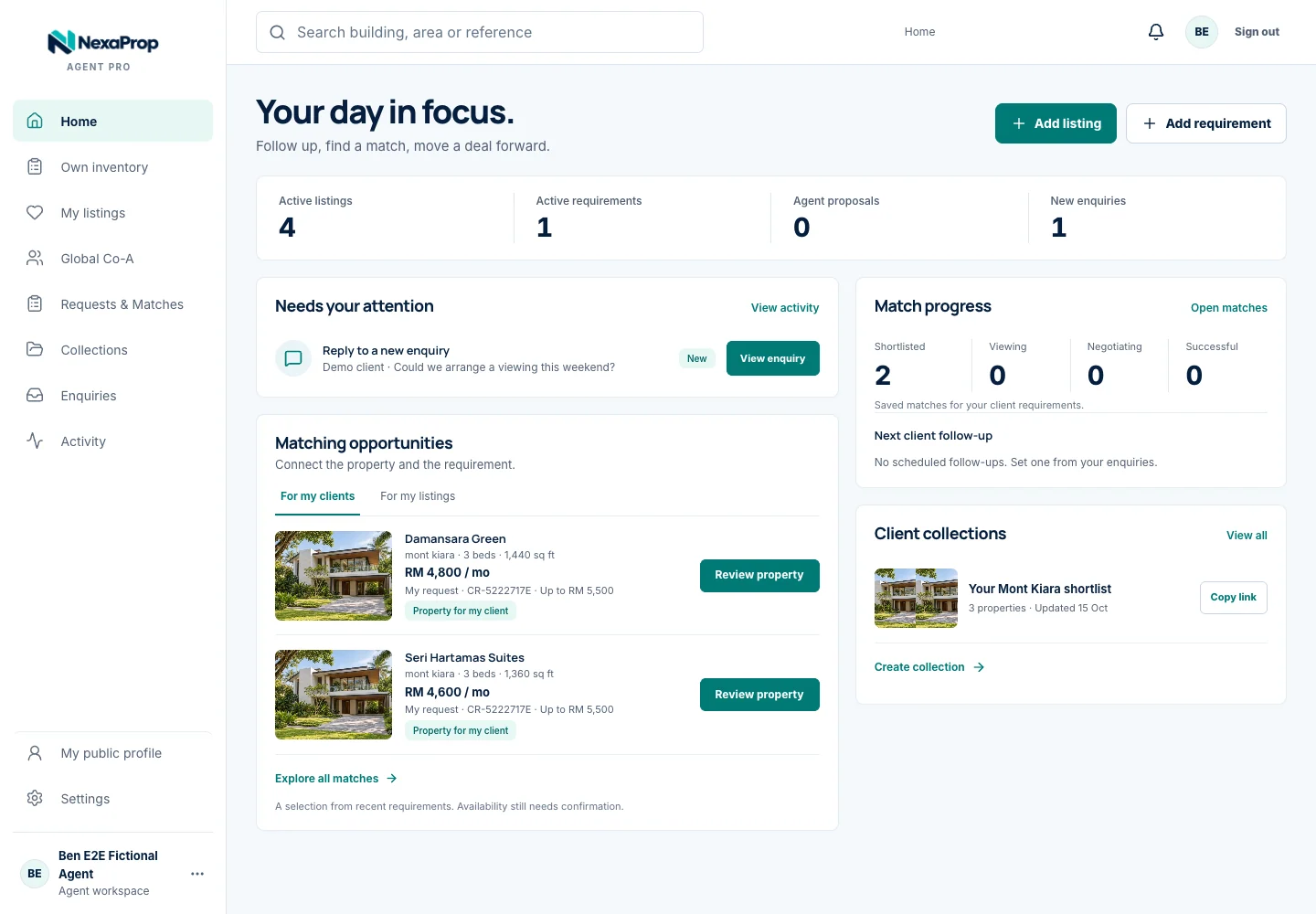
Give your property details a home, then keep the next action in view.
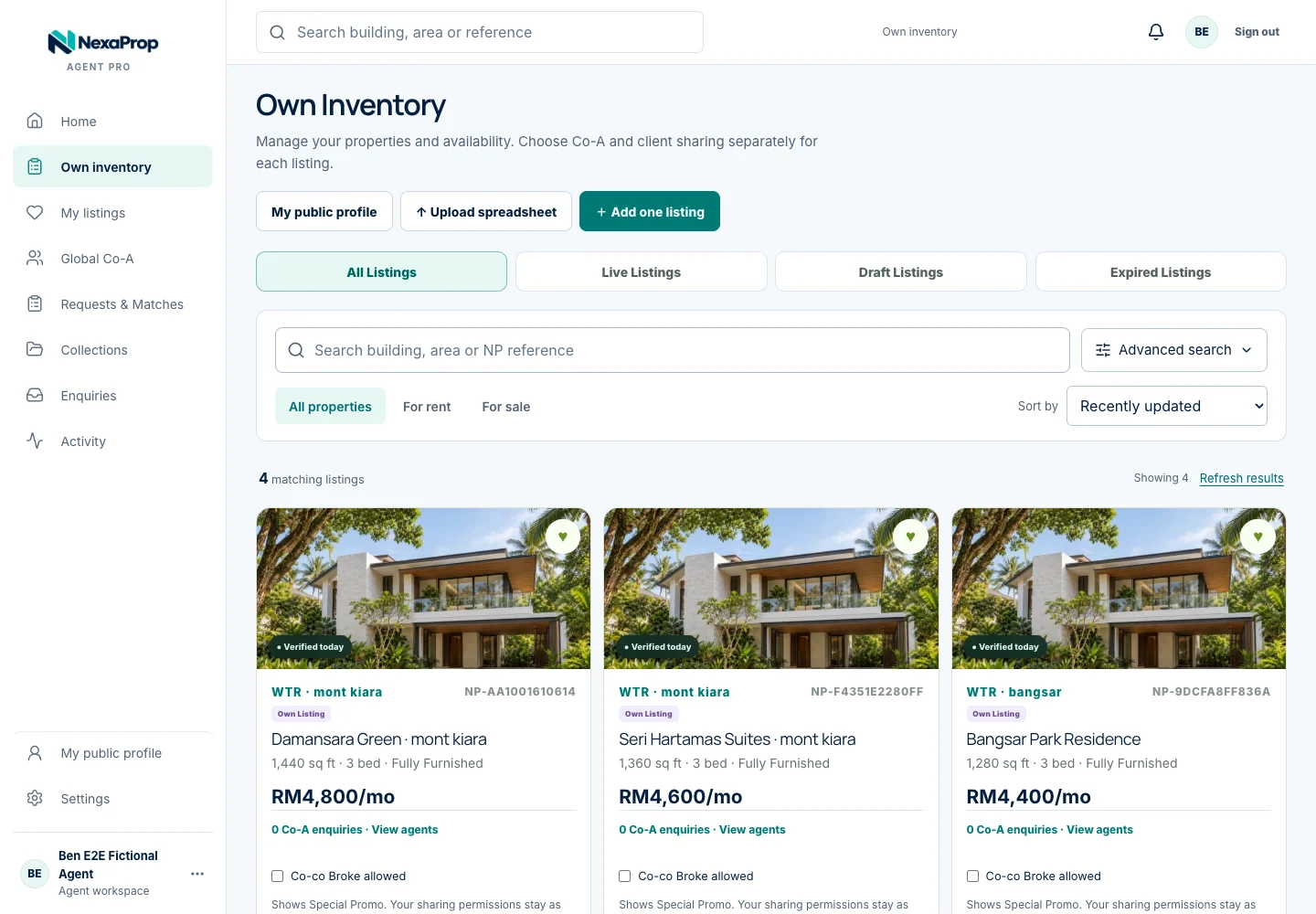
Add property details and photos.
Keep information and availability current.
Choose which listings to share with other agents.
Track viewings, negotiations and outcomes.
Prepare for your next opportunity.
Find the details you need, prepare a shortlist and follow through. Explore the actual Agent Pro workspace.
Give each property one organised home, from photos and asking price to availability and private owner information.
Find properties for your clients. Find client requests for your listings.
Area, budget and property needs
Relevant inventory I can access
Check with the listing agent
Property details and availability
Demand from other agents
Start a Co-A conversation
Co-A participation is your choice. Review suitability and confirm availability with the source agent.
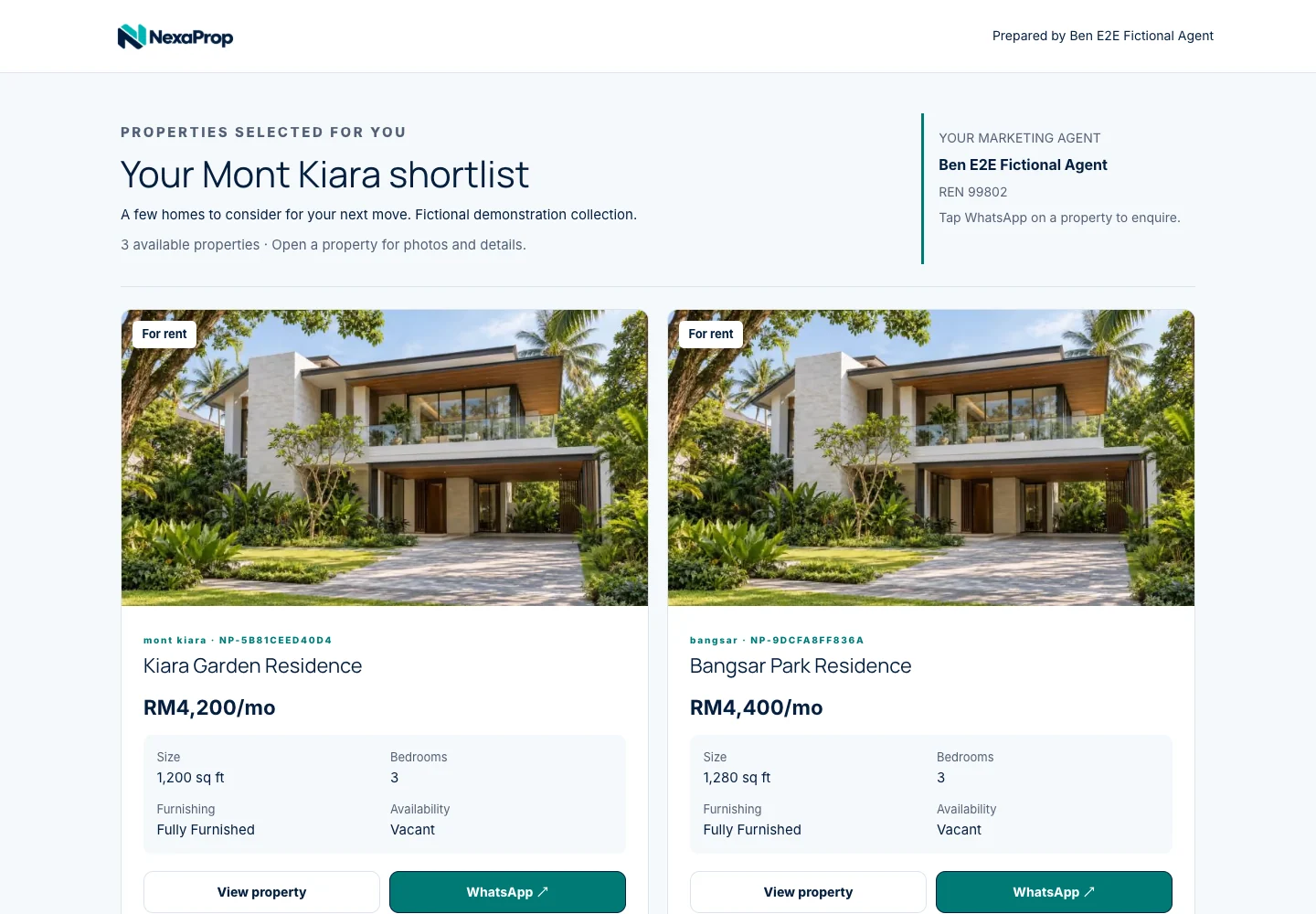
Present your expertise and selected listings on your profile. Build a collection from your own properties and Co-A listings permitted for client sharing.
Curate around your client’s location, budget and property needs.
Give clients your public contact details and a clear way to enquire.
Only eligible properties appear. Private owner information stays out of client pages.
Coming next
These additions are planned. Availability and pricing will be announced before release.
A marketplace for the NexaProp community. We’re shaping what it will offer, with details to be shared before launch.
Turn your property details into listing drafts, marketing content and client proposals, with your review before use.
External portal publishing is not currently available.
Your daily work, your sharing decisions and a clear way to get started.
Agent Pro is built for individual property agents in Malaysia, including Real Estate Negotiators (RENs). Manage your own property work whether you operate independently or belong to an agency.
Yes. Start with your own listings, professional profile and client collections. You choose when to enable Co-A sharing. Matching opportunities depend on the relevant listings and requests available to you.
You choose whether to keep a listing private, enable client sharing, or share it with Global Co-A. Global Co-A also enables client sharing. Private owner details are excluded from client-facing pages.
Only properties authorised for client sharing can appear in your public profile or client collection. Accept the source agent’s Co-A terms before adding a property to your own published listings. Source attribution and current availability are preserved.
No. Clients can open your active, published collection link in their browser. Co-A collections remain separate and require agent access.
NexaProp is currently invitation-only. Invited agents can sign in with their phone number and password. Contact support@nexaprop.com to ask about access. Public signup is not open yet.
The current invitation-only beta is free. Payments are disabled and no payment is required. Subscription details will be published before paid registration opens.
They are planned additions. They are not available in the current Agent Pro offering. Availability and pricing will be announced before release. Automated publishing to external property portals is not currently available.
Give your properties, client requests and follow-ups one connected workspace.
Agent sign-inInvitation-only beta · No payment required.
For access, contact NexaProp support.